
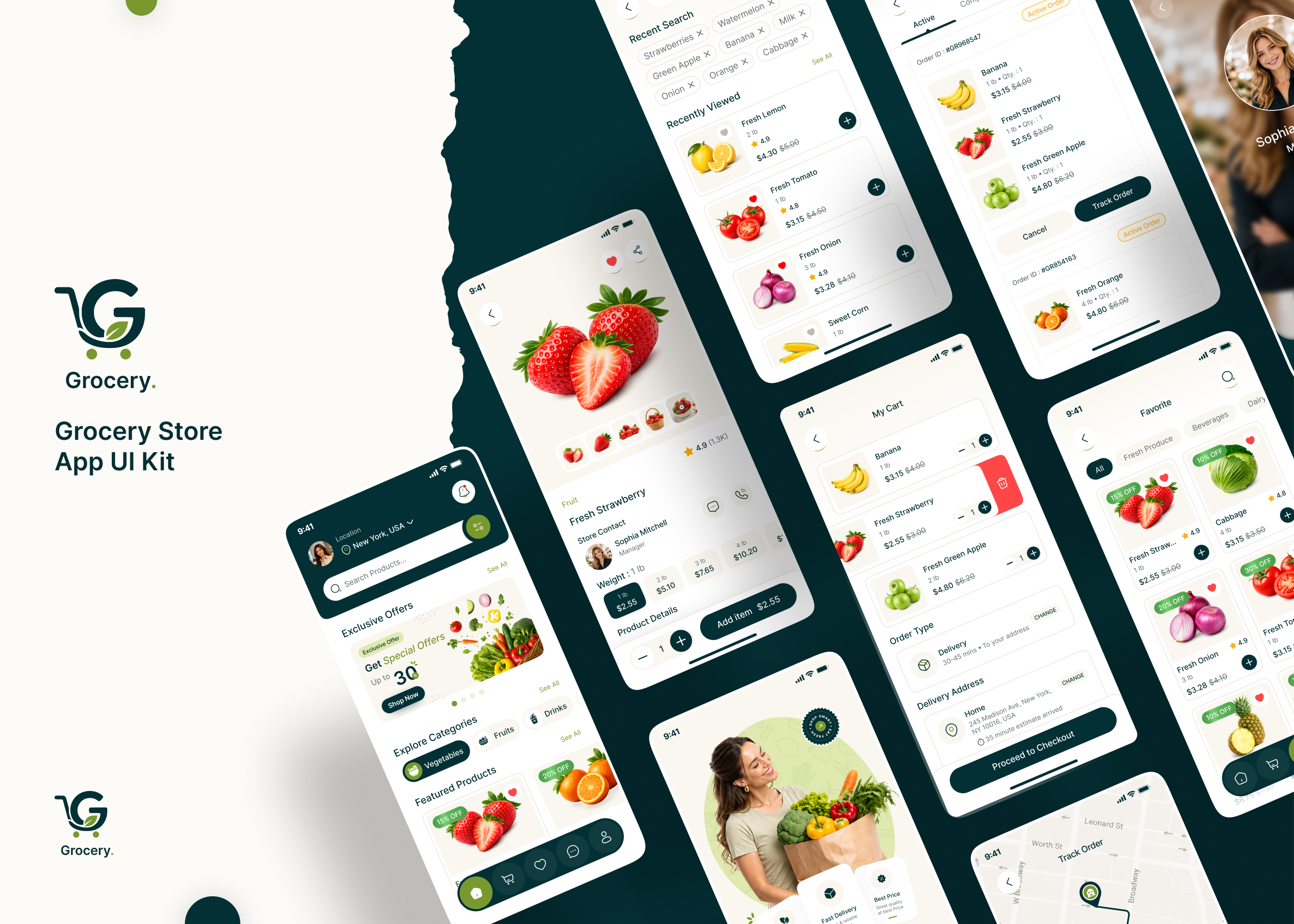
Create stunning grocery apps using this 60+ screens UI template.
Download Grocery App Ui Kit of 65+ Screens Figma File
Download Now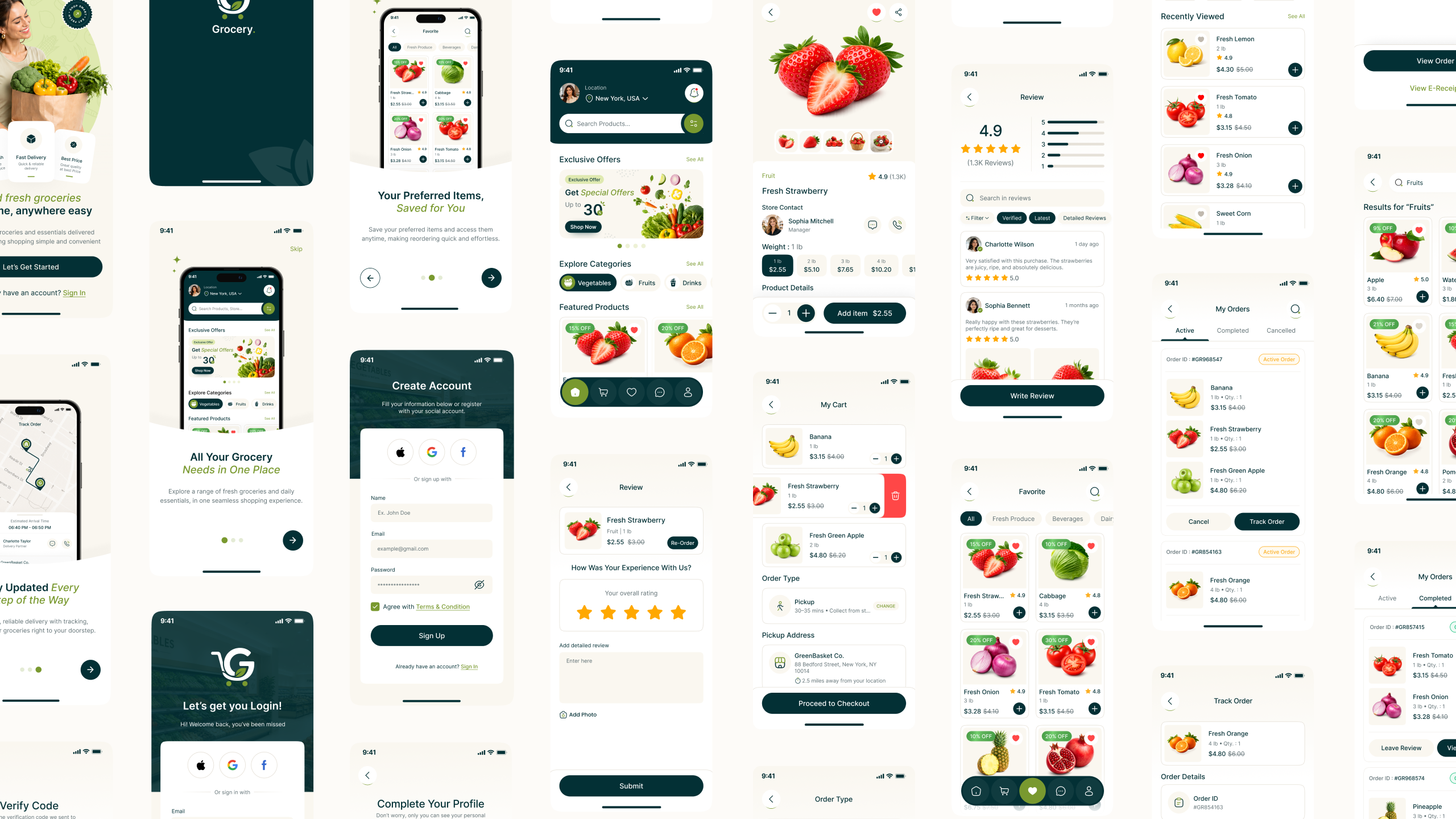


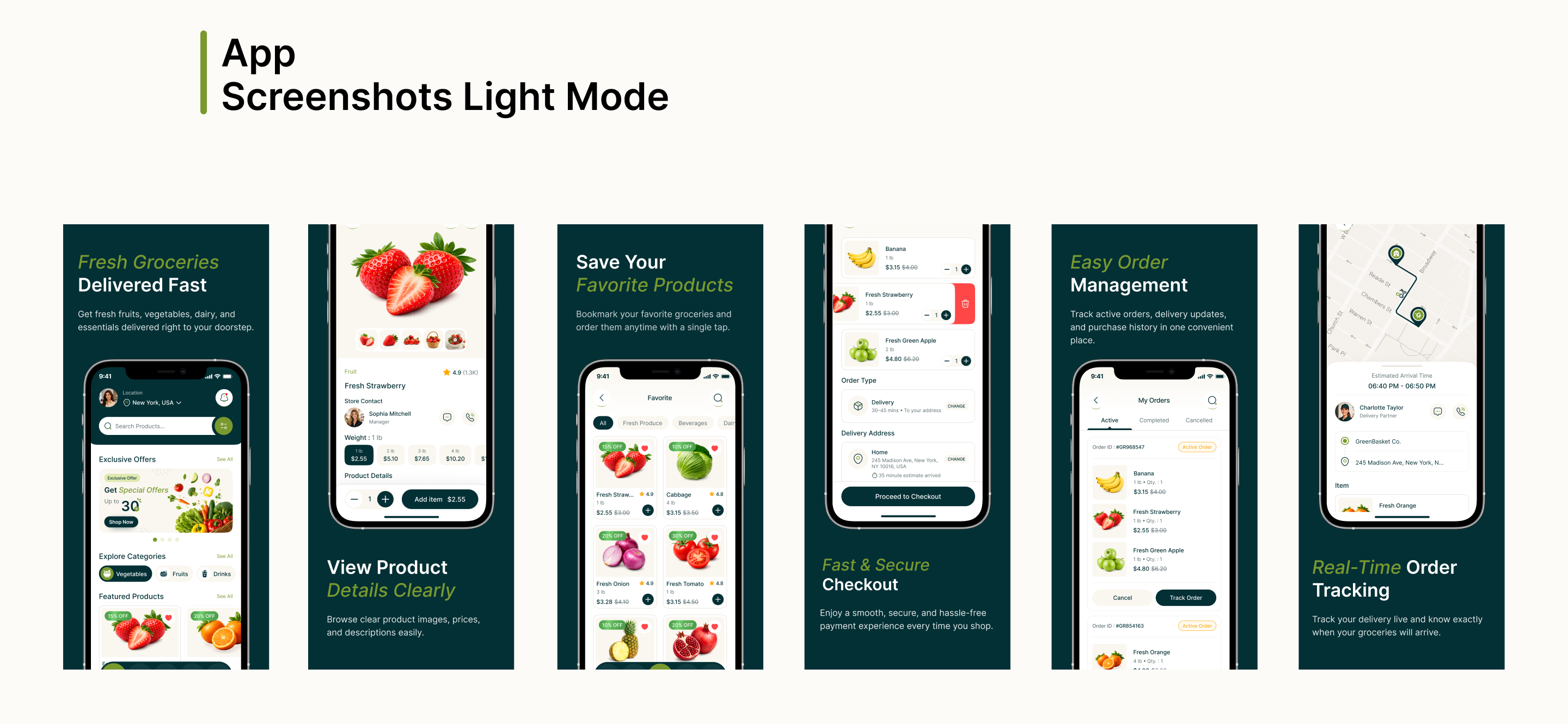
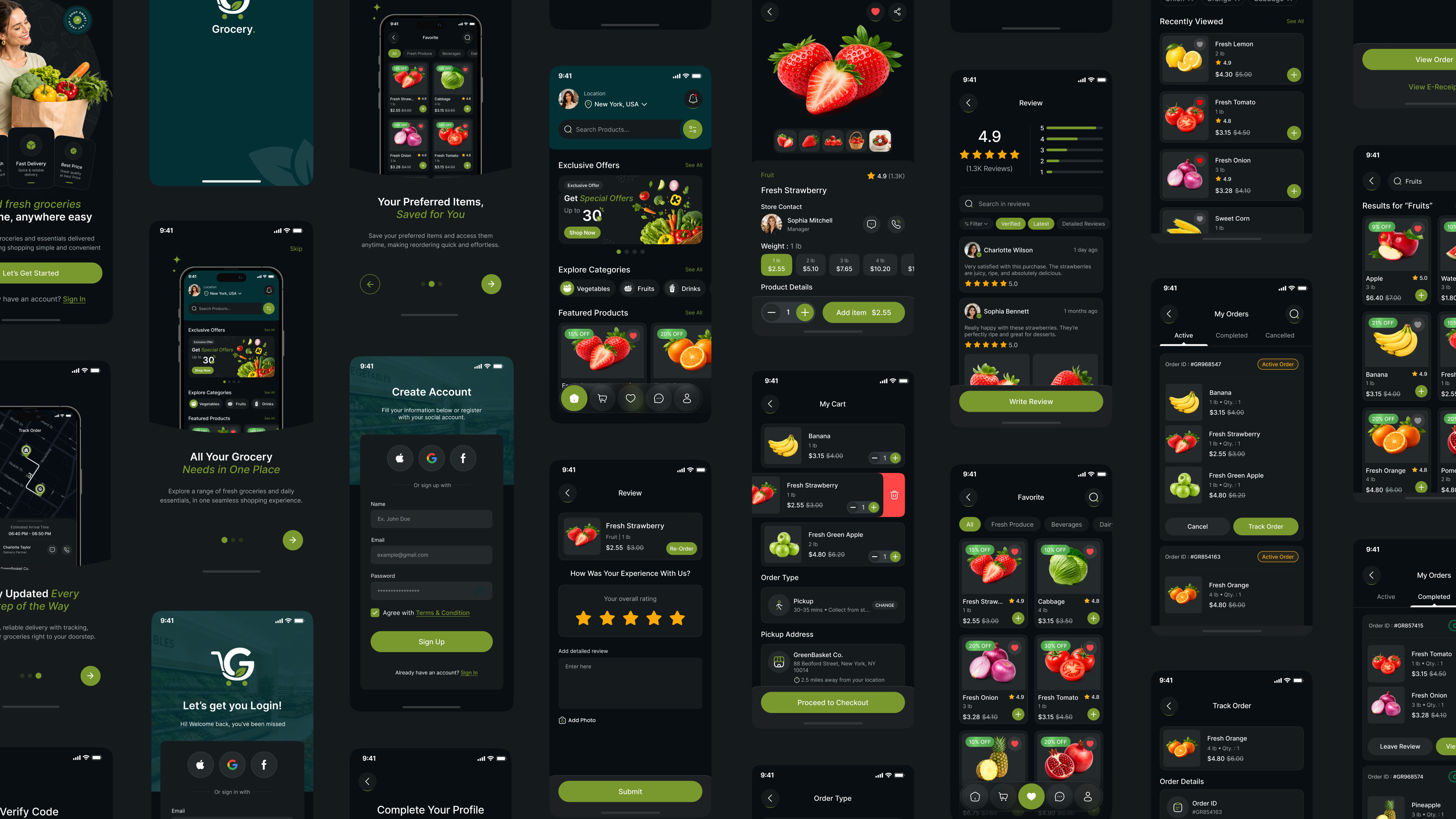
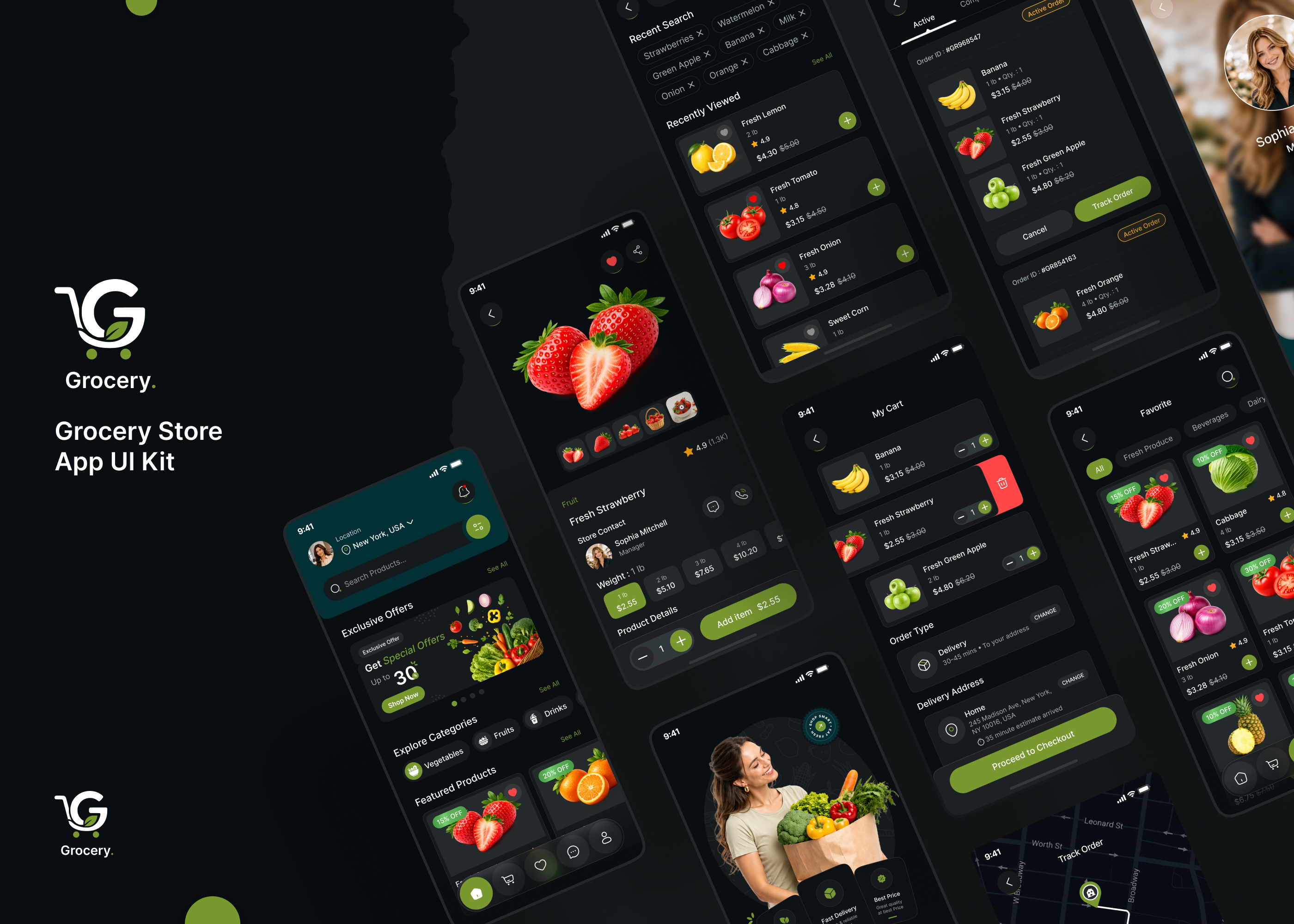

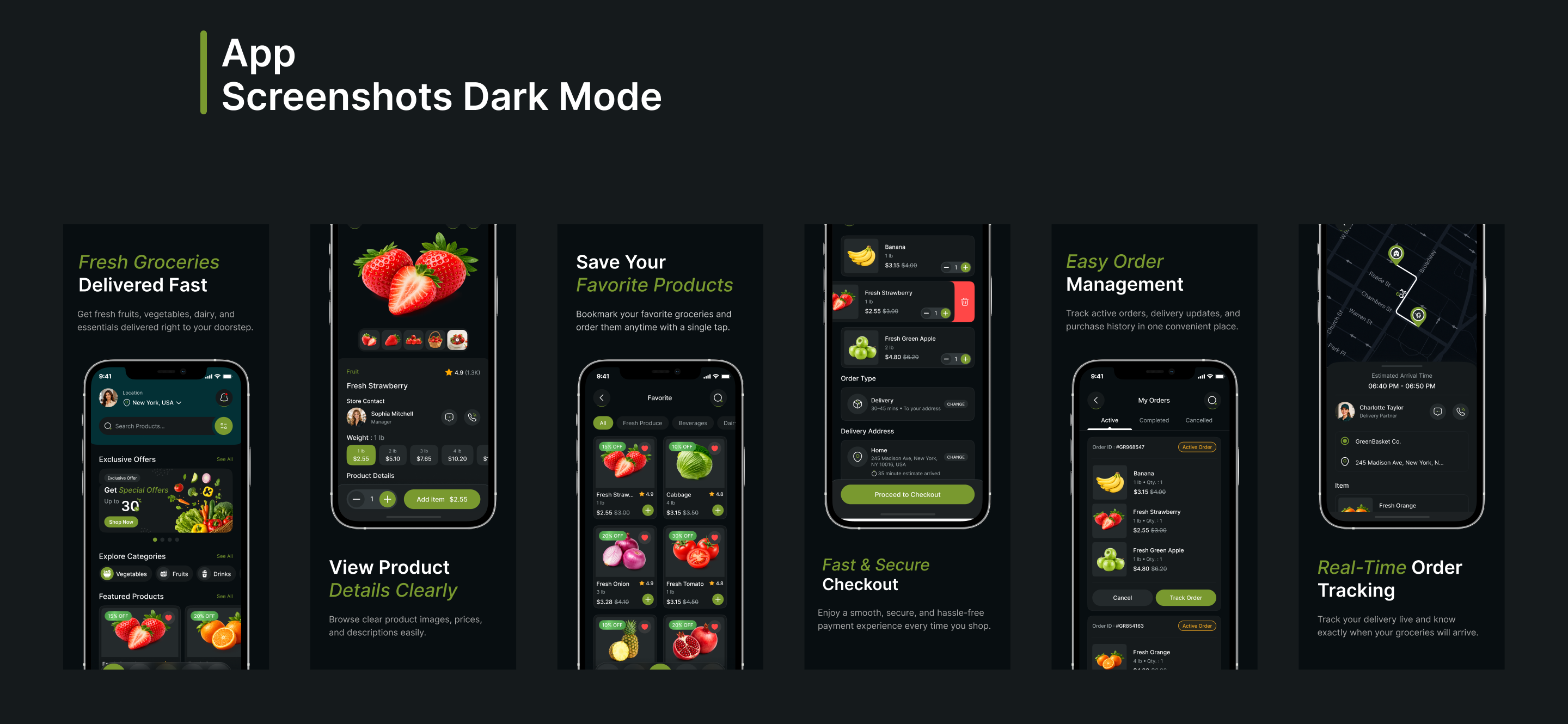

Enhance your grocery shopping platform with our Grocery Store Mobile App UI Kit Design [60+ Screens] – Light & Dark Mode. Designed for modern grocery delivery, supermarket, and pickup-based apps, this premium Figma UI kit combines clean visuals, smooth navigation, and a user-friendly experience—perfect for grocery startups, online stores, and multi-vendor marketplaces.
Available in both elegant Light and immersive Dark themes, this UI kit includes 60+ professionally designed mobile app screens covering the complete user journey—from onboarding and product discovery to checkout, live order tracking, and profile management.
The kit features splash, onboarding, authentication, location access, home, product details, reviews, favorites, cart management, delivery and pickup flows, payment methods, e-receipts, order tracking, notifications, coupons, special offers, categories, chat support, wallet management, settings, FAQs, and more.
Boost user engagement with modern search and filter screens, interactive product pages, real-time tracking, live location updates, and seamless checkout experiences. Integrated chat and voice call screens help users connect directly with support teams or delivery partners for a more reliable shopping experience.
Every screen is fully customizable in Figma, neatly organized, pixel-perfect, and easy to edit to match your brand identity. Whether you’re building a grocery delivery app, supermarket platform, or pickup-based shopping solution, this UI kit helps you create a modern, professional, and conversion-focused mobile experience.
Grocery Mobile App UI Kit Screen List :
- Splash Screen
- Welcome Screen
- Onboarding Screens
- Sign in, Create Account, Verify Code, New Password, Complete Your Profile Screens
- Your Location, Enter Your Location, Enable Notification Access Screens
- Home Screen
- Product Details Screen
- Review, Leave Review Screens
- Product Video Screen
- Favorite Screen
- My Cart – Delivery, My Cart – Pickup, Remove from Cart, PickUp Time Screens
- Order Type, Delivery Address, Delivery Type, Payment Methods, Add Card, Review Summary, Payment Successful Screen
- E-Receipt Screen
- Search, Filter Screens
- My Orders – Active, My Orders – Completed, My Orders – Cancelled Screens
- Track Order, Track Live Location Screens
- Rate Delivery Partner Screen
- Get Direction, You Have Arrived Screens
- Cancel Order Screens
- Notification Screen
- Coupon Screen
- Special Offers, Featured Products, Daily Deal Screens
- Explore Categories Screen
- Chat, Chat Details, Voice Call Screens
- Profile, Your Profile, Manage Address, Add Address, Payment Methods, My Wallet, Add Money, Top Up Successful, Settings, Password Manager, Help Center – FAQ, Help Center – Contact Us, Privacy Policy, Invite Friends, Logout
Features of Grocery Store Mobile App UI Kit
- Modern & Clean UI Design: Professionally crafted interface with visually appealing layouts for a smooth grocery shopping experience.
- Light & Dark Mode: Designed in both elegant Light and immersive Dark themes to match every user preference.
- Smooth Onboarding Experience: Includes splash, welcome, onboarding, sign in, create account, and profile setup screens.
- Smart Product Discovery: Easily browse groceries with advanced search, smart filters, featured products, and category exploration.
- Detailed Product Screens: Showcase product images, pricing, descriptions, ratings, reviews, and product videos.
- Favorites & Wishlist: Users can save favorite products for faster future purchases.
- Flexible Cart Experience: Dedicated delivery and pickup cart flows with pickup time selection and cart management options.
- Seamless Checkout Process: Streamlined order flow with delivery address, delivery type, payment methods, add card, and order summary screens.
- Secure Payment Experience: Safe and user-friendly payment flow with multiple payment method support.
- Real-Time Order Tracking: Track active orders, live delivery location, and order status updates in real time.
- Pickup & Navigation Support: Includes get direction and arrival screens for self-service grocery pickup experiences.
- Reviews & Ratings System: Users can read and leave reviews to build trust and product credibility.
- Special Offers & Coupons: Boost engagement with daily deals, discounts, featured products, and coupon systems.
- Notifications & Alerts: Instant updates for orders, offers, payment confirmations, and delivery status.
- In-App Chat & Voice Call: Direct communication with support teams or delivery partners through chat and call features.
- Wallet & Payment Management: Manage wallet balance, add money, payment methods, and top-up history easily.
- Profile & Address Management: Users can manage profiles, delivery addresses, settings, and password security.
- Help Center Support: Includes FAQ, contact support, privacy policy, and customer assistance screens.
- Fully Customizable in Figma: Well-organized, pixel-perfect, and easy-to-edit components for quick customization.
Benefits of Grocery Mobile App UI Kit:
- Faster Design & Development: Ready-to-use screens help speed up the design process and launch your grocery app faster.
- Consistent User Experience: Unified layouts and design elements create a smooth and seamless shopping experience across all screens.
- Improved Customer Engagement: Modern, clean, and interactive UI keeps users engaged while browsing products and offers.
- Optimized Shopping Flow: Streamlined cart, checkout, and payment experiences help increase conversions and reduce cart abandonment.
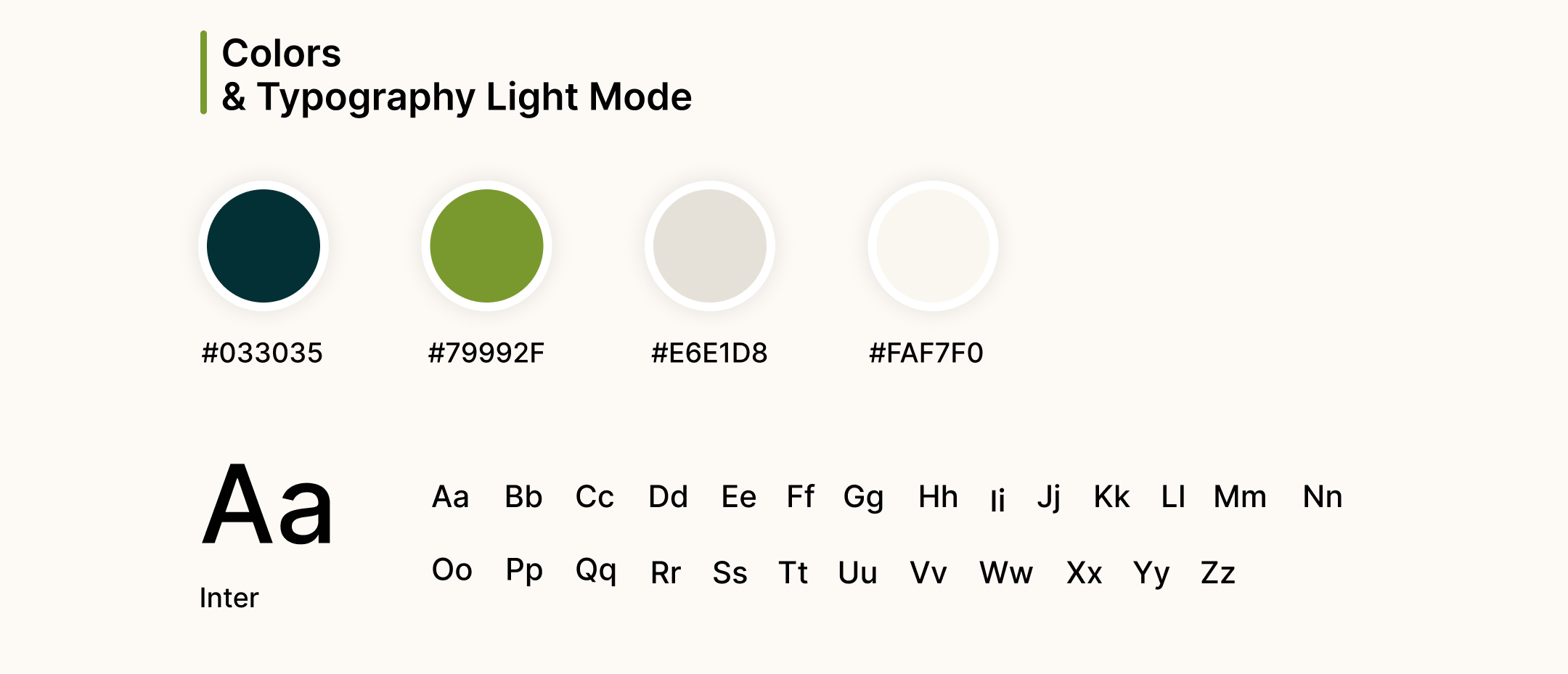
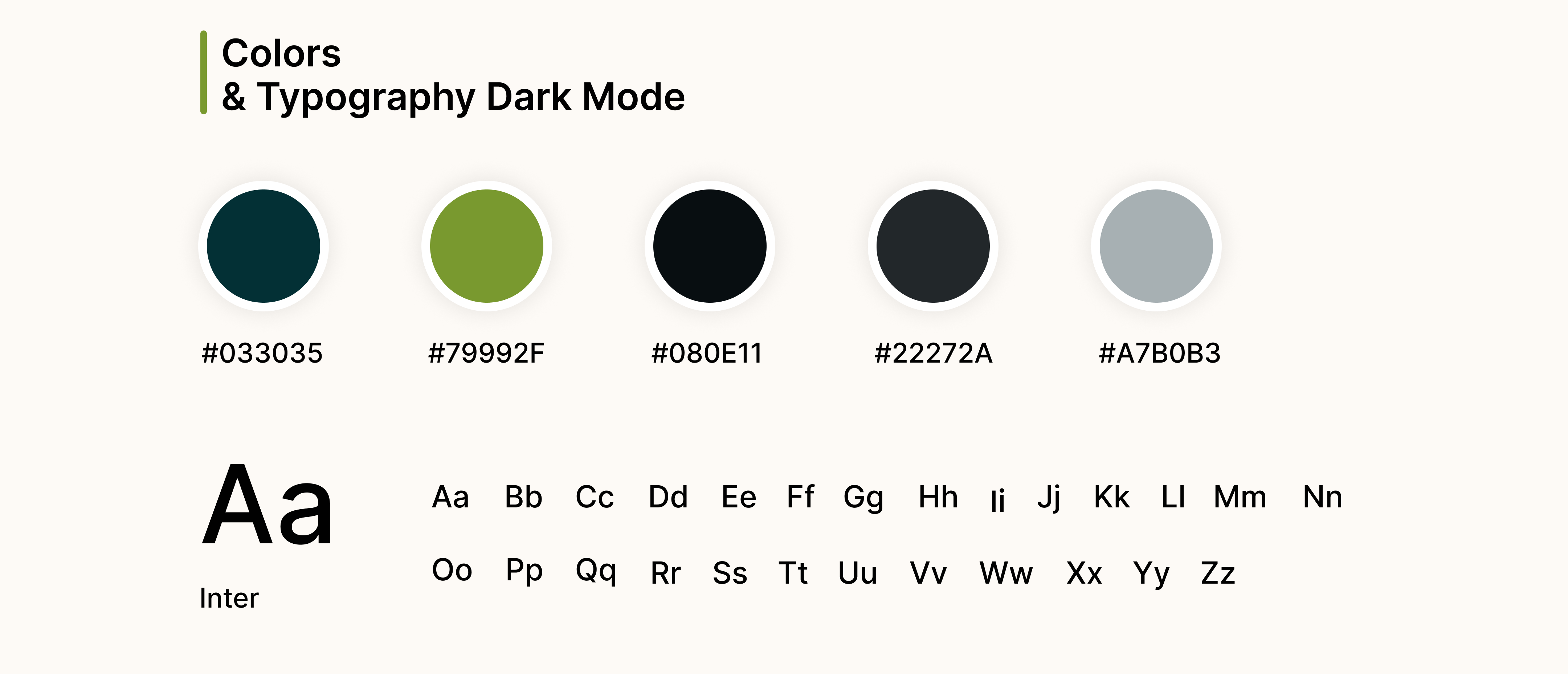
- Easy Customization: Fully editable Figma files make it simple to customize colors, typography to fit your brand.
- Better User Experience: Thoughtfully designed UX patterns improve usability, navigation, and overall customer satisfaction.
- Supports Delivery & Pickup Flows: Flexible shopping experiences for both home delivery and self-service pickup users.
- Boosts Customer Retention: Features like coupons, favorites, wallets, and notifications encourage repeat purchases and loyalty.
- Cost-Effective Solution: Save time and development costs with professionally designed ready-made UI screens.
Benefits of Dark Mode for Grocery Store Mobile App UI/UX Design:
Benefits of Dark Mode for Grocery Store Mobile App UI/UX Design:
- Enhanced Visual Appeal: Dark mode gives your grocery app a modern, stylish, and premium shopping experience.
- Better Product Showcase: Dark backgrounds help grocery products, offers, and banners stand out more effectively.
- Reduced Eye Strain: Provides a more comfortable browsing experience, especially during nighttime shopping.
- Improved Battery Efficiency: Helps save battery life on OLED and AMOLED devices for extended app usage.
- Higher User Engagement: Visually attractive dark interfaces encourage users to explore products and deals longer.
- Modern Shopping Experience: Creates a sleek and immersive environment that feels professional and user-friendly.
- Better Contrast & Readability: Improved text visibility and balanced contrast make product details easier to read.
- Trendy & User-Preferred Design: Dark mode follows modern UI/UX trends and matches current user preferences.